Redefining Building Materials: The Power of Next-Gen Visualization
4 days ago
6 min read
Choosing materials for a home renovation has always required a leap of faith. For decades, customers have been handed a small tile or a tiny wood swatch and asked to imagine how it will look spread across an entire kitchen or bathroom.
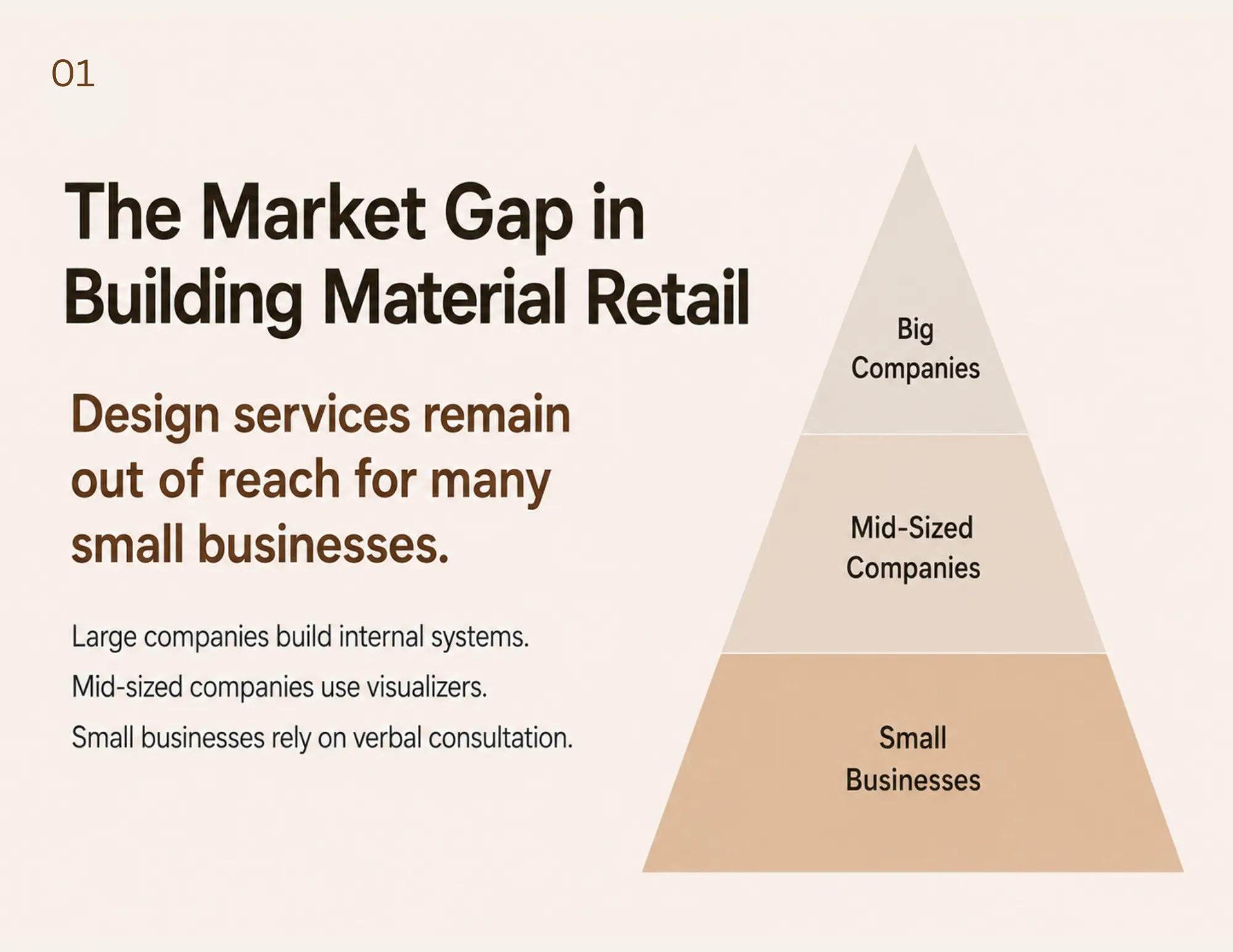
While massive retail chains have the budget to develop highly customized, proprietary design software to solve this problem, small to mid-sized businesses are often left behind. They have historically relied on physical samples, verbal explanations, and fragmented design support.
This reality created a massive gap between what modern customers expect and what smaller retail teams can realistically provide. Designer Hsin Ting Chiu recognized this disconnect and developed an ingenious solution. Rather than spending millions of dollars building new software from scratch, Chiu reconfigured existing tools to create a highly practical, affordable, and visually stunning retail workflow.
The Flaws in Legacy Visualization Tools
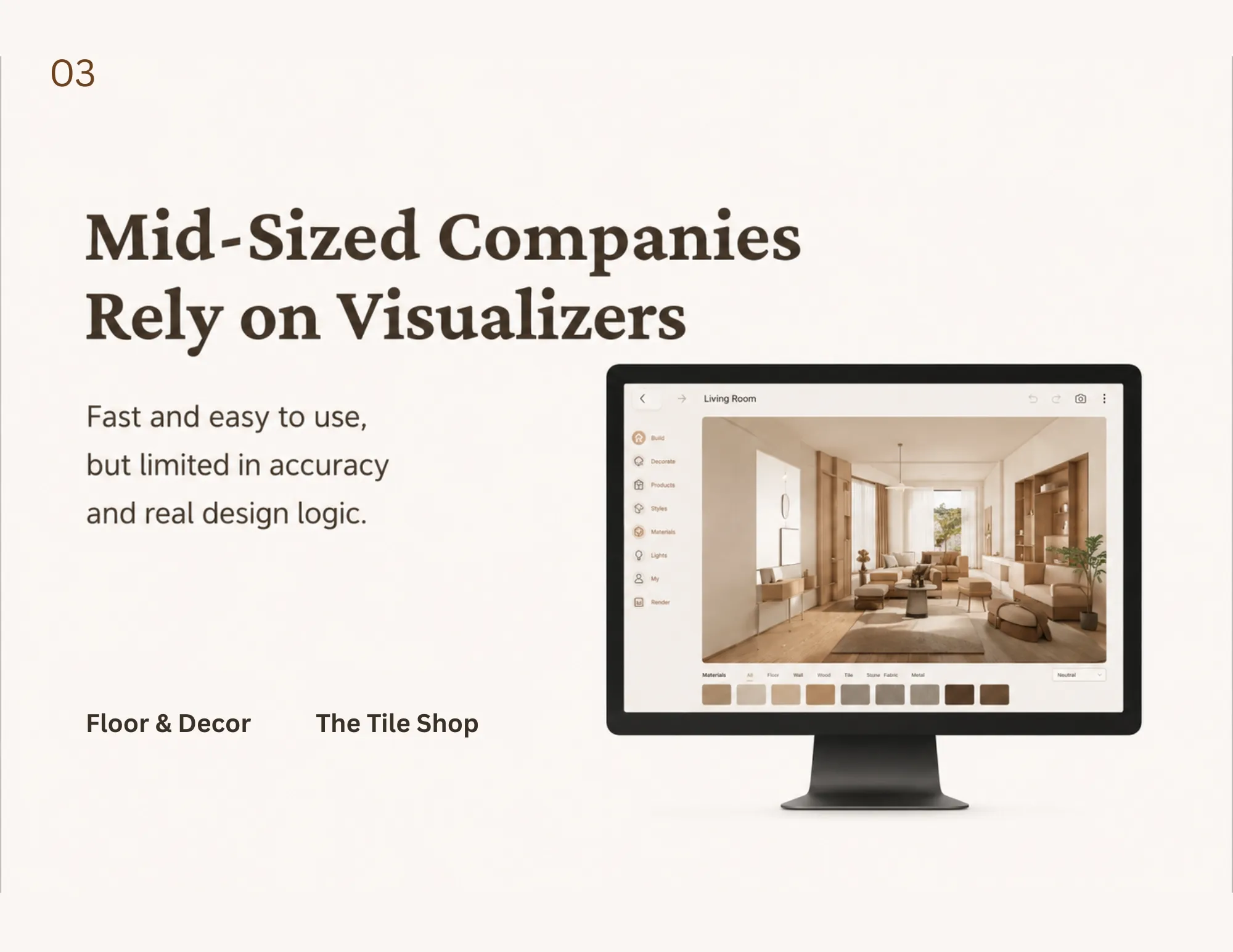
Before this breakthrough, small retailers and independent designers had to choose between tools that only solved a fraction of the problem.
None of the existing options provided a complete, workable solution for the fast-paced retail environment:
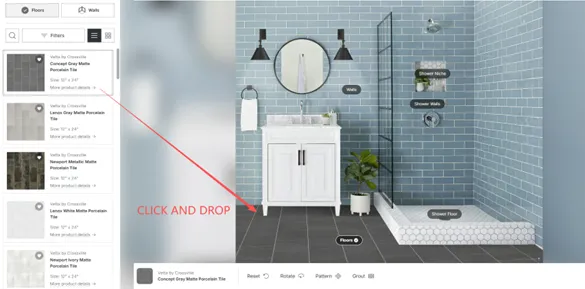
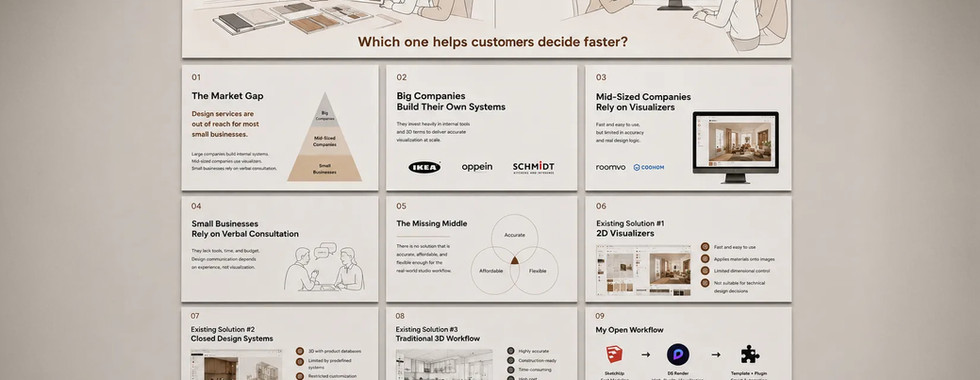
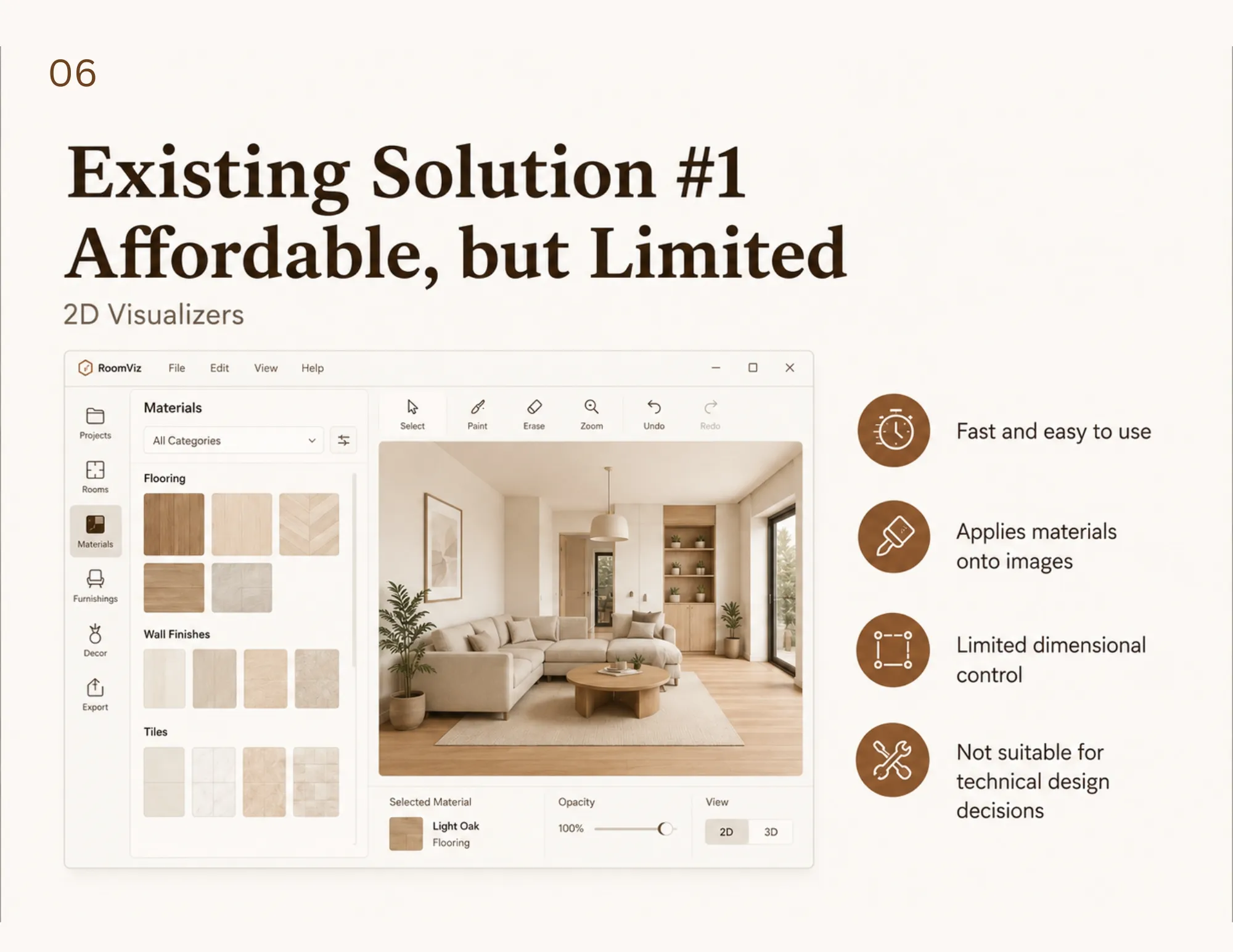
2D Visualizers (e.g., Roomvo): These tools are fast and user-friendly, allowing customers to digitally "paste" floors onto a photograph of their room. However, they lack spatial accuracy. They do not account for real room dimensions, grout lines, or actual construction logic, making them highly impractical for interior layouts where precision is required.
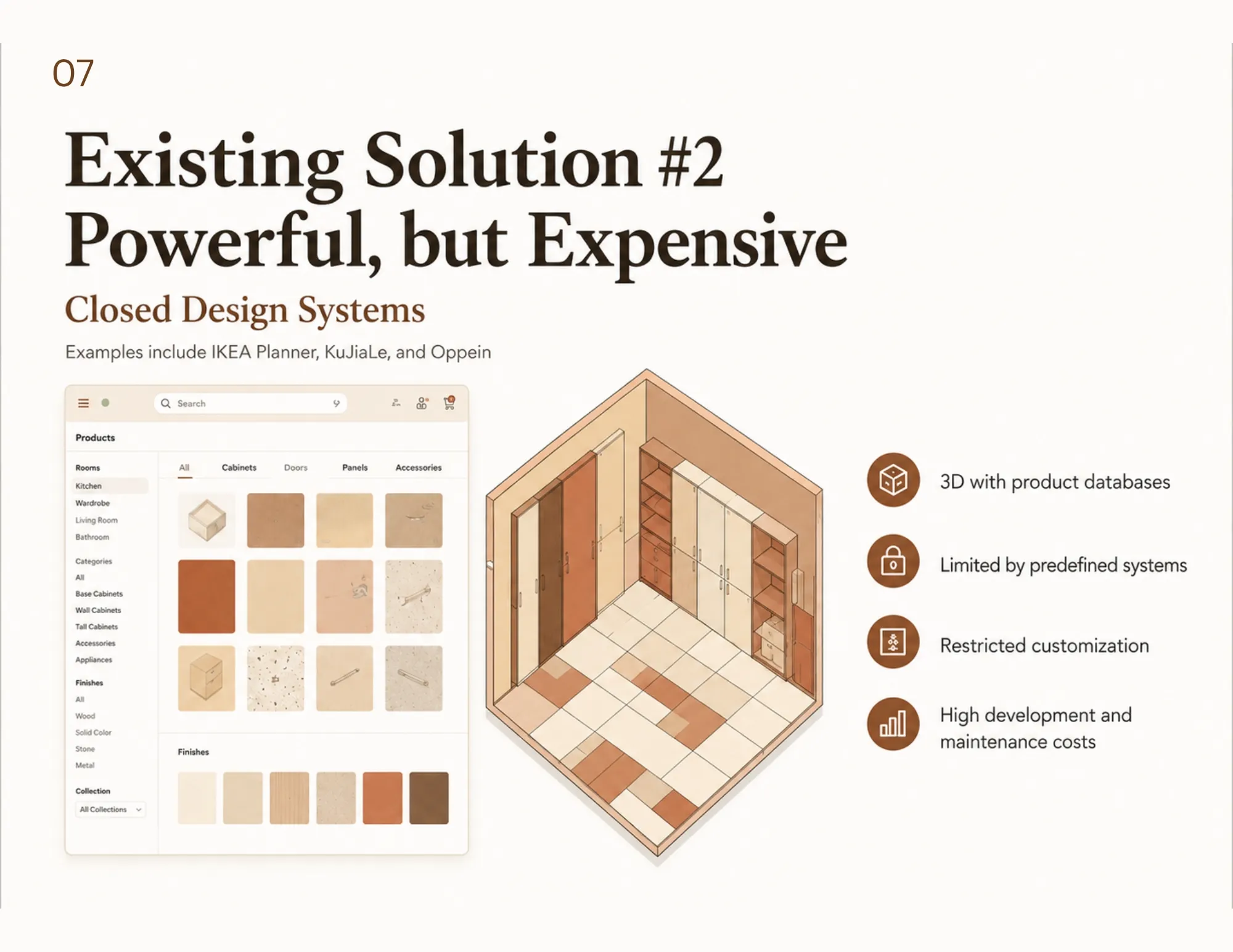
Closed Systems (e.g., IKEA Planner): These are excellent for 3D visualization but are highly rigid. They are locked to a specific company's product database. Independent retailers cannot easily adapt these systems to their constantly changing product lines without paying heavy platform fees.
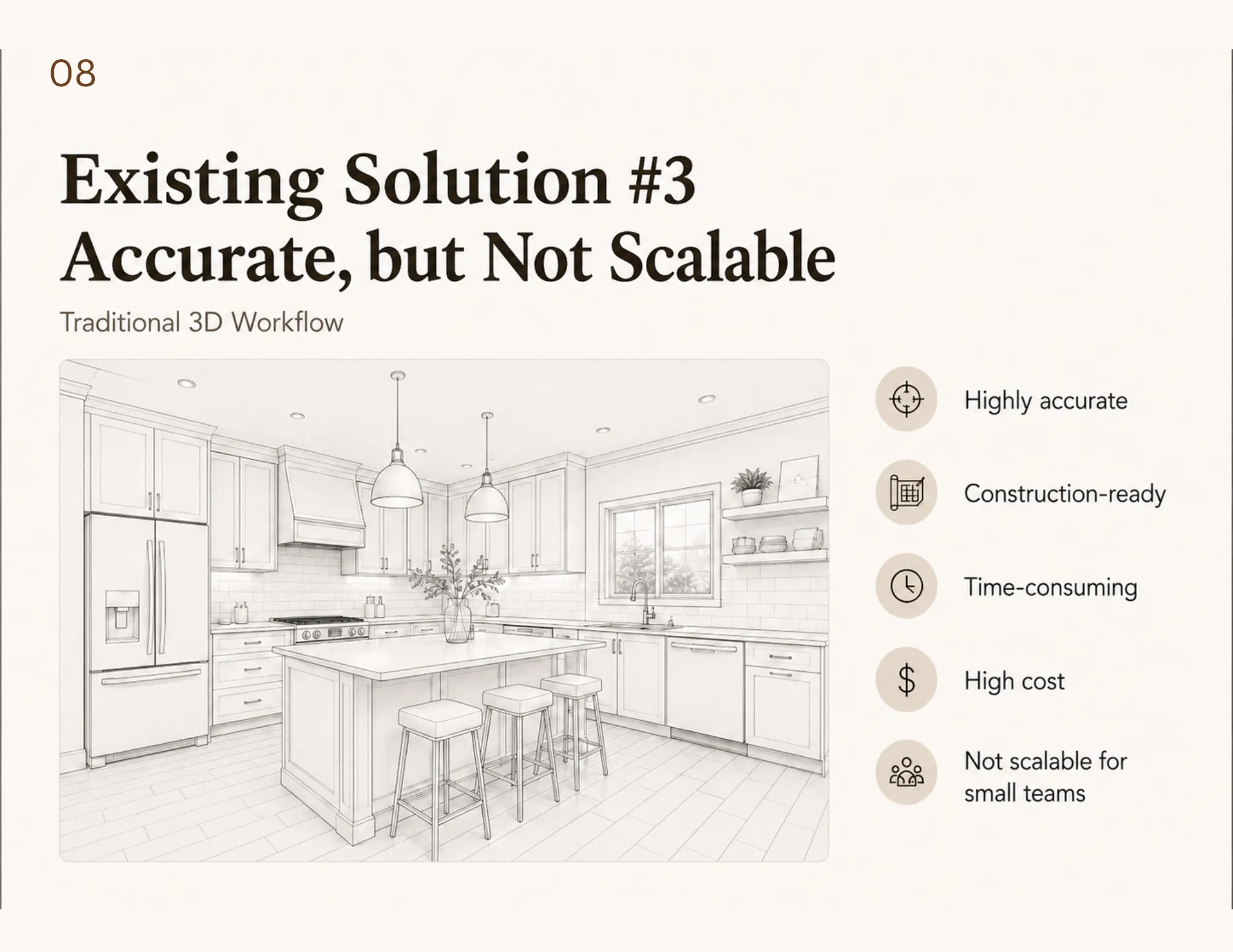
Traditional 3D Software (e.g., 3ds Max): While these programs produce breathtaking, photorealistic imagery, they are far too slow, expensive, and technical for everyday retail consultations.
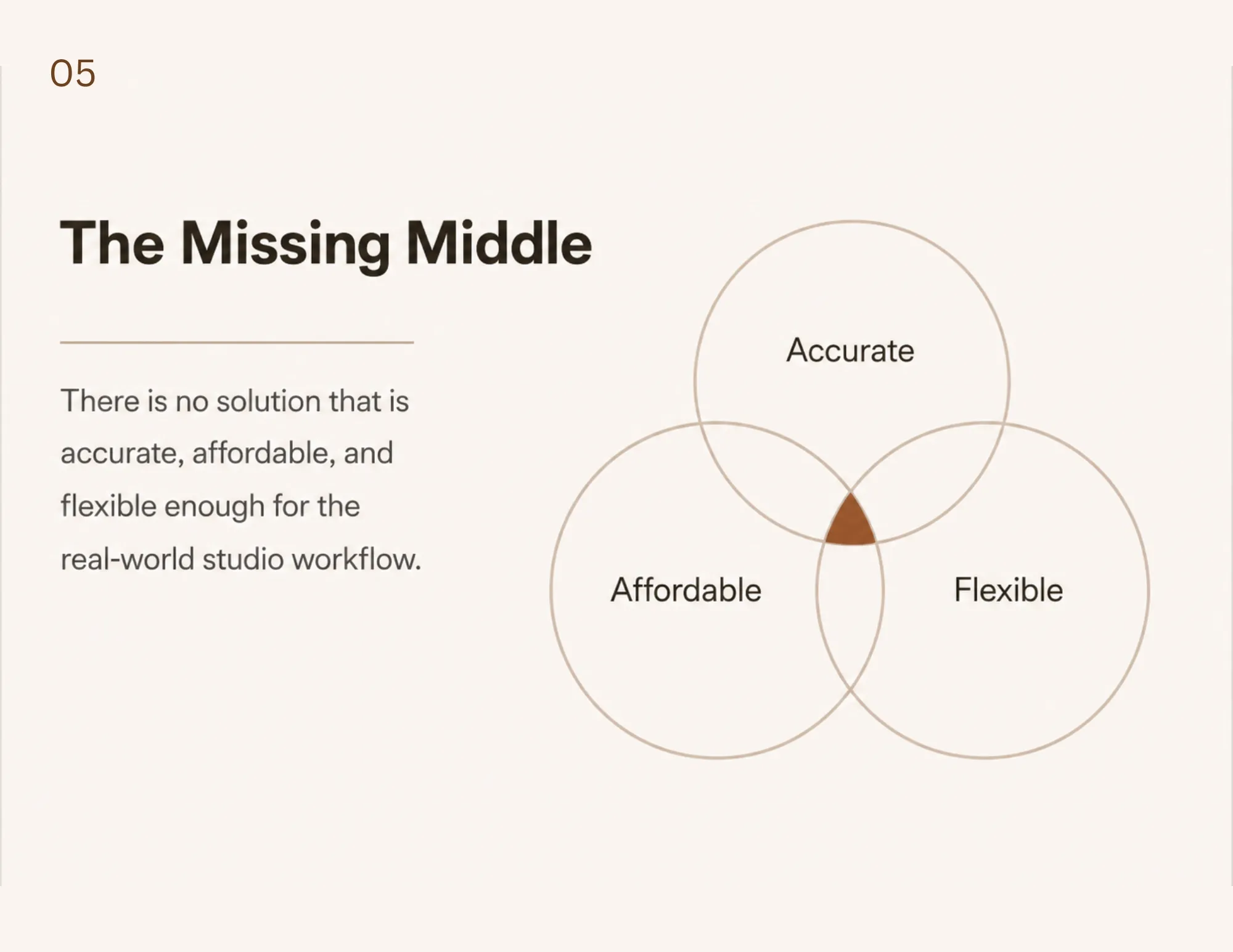
The market desperately needed a solution that was fast, spatially accurate, highly flexible, and affordable.
SketchUp and D5 Render: How the Workflow Actually Works
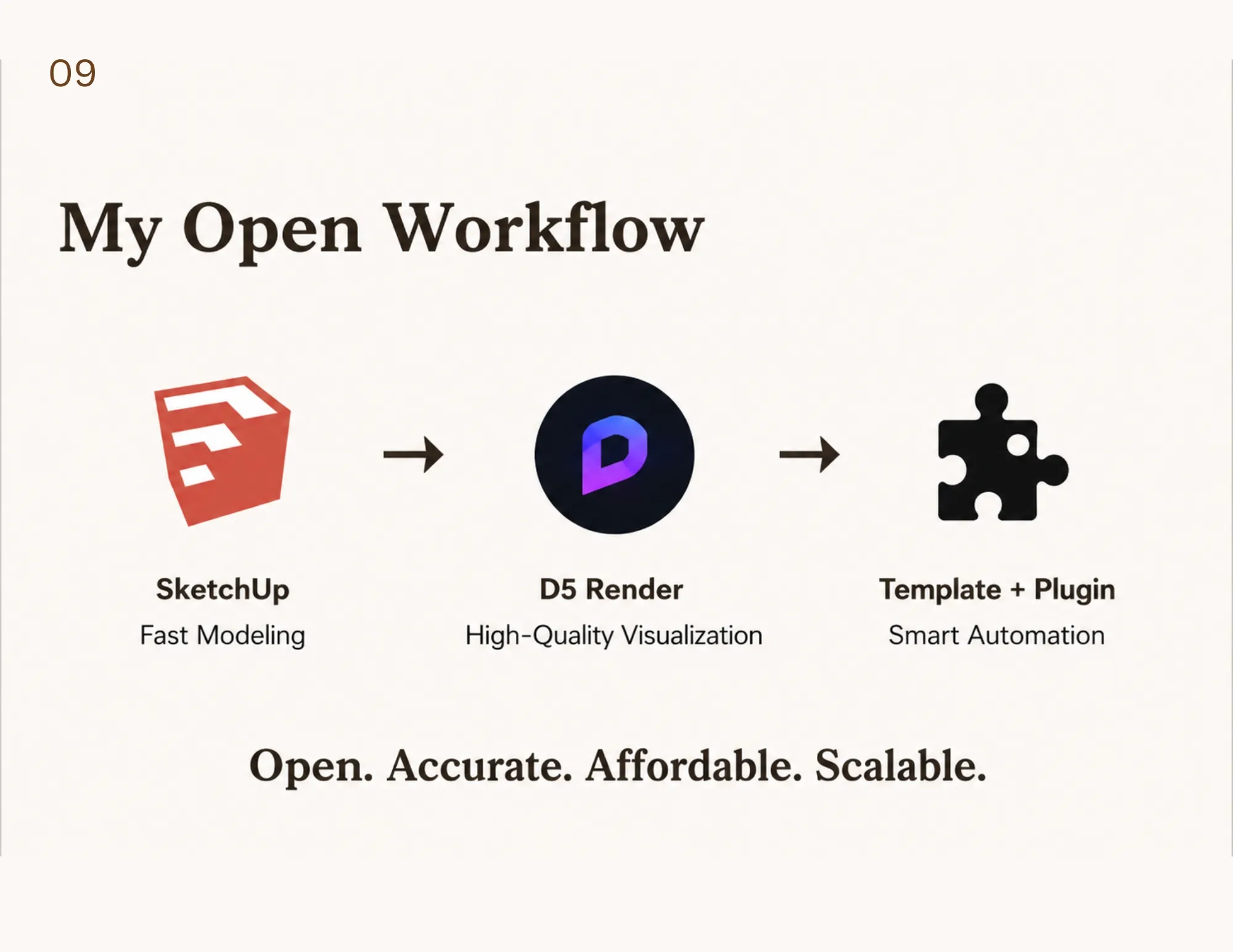
In 2024, while helping establish the design department at Toronto-based Besso Floor & Decor, Chiu developed a new approach: using SketchUp as the structural foundation and D5 Render as the visual core.
The secret to this combination is live synchronization. Here is a step-by-step look at how this dual-system workflow operates in a real-world setting:
The Structural Foundation: The designer uses SketchUp to build the exact dimensions of the customer's room. SketchUp handles the real-world spatial structures, layout adjustments, and vital construction logic.
The Visual Engine: Connected seamlessly to SketchUp is D5 Render, which acts as a real-time visualization engine. It instantly processes lighting, textures, and material finishes.
Real-Time Consultation: As a designer adjusts the physical dimensions or moves a cabinet in SketchUp, those changes are reflected immediately in D5 Render.
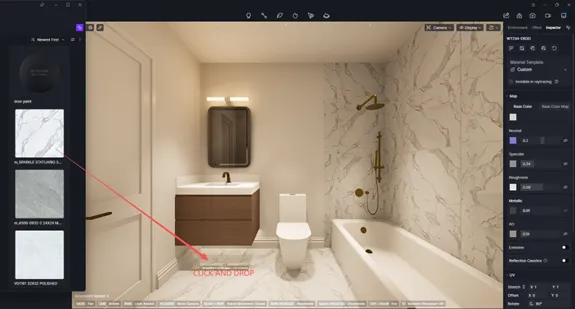
Instant Material Swapping: Unlike older rendering plugins that require users to jump back into complex modelling software to make changes, D5 Render allows for direct material replacement on the rendering side. A designer can sit with a customer, swap a polished marble tile for a matte ceramic one with a single click, and instantly see how the light hits it in their specific bathroom layout.
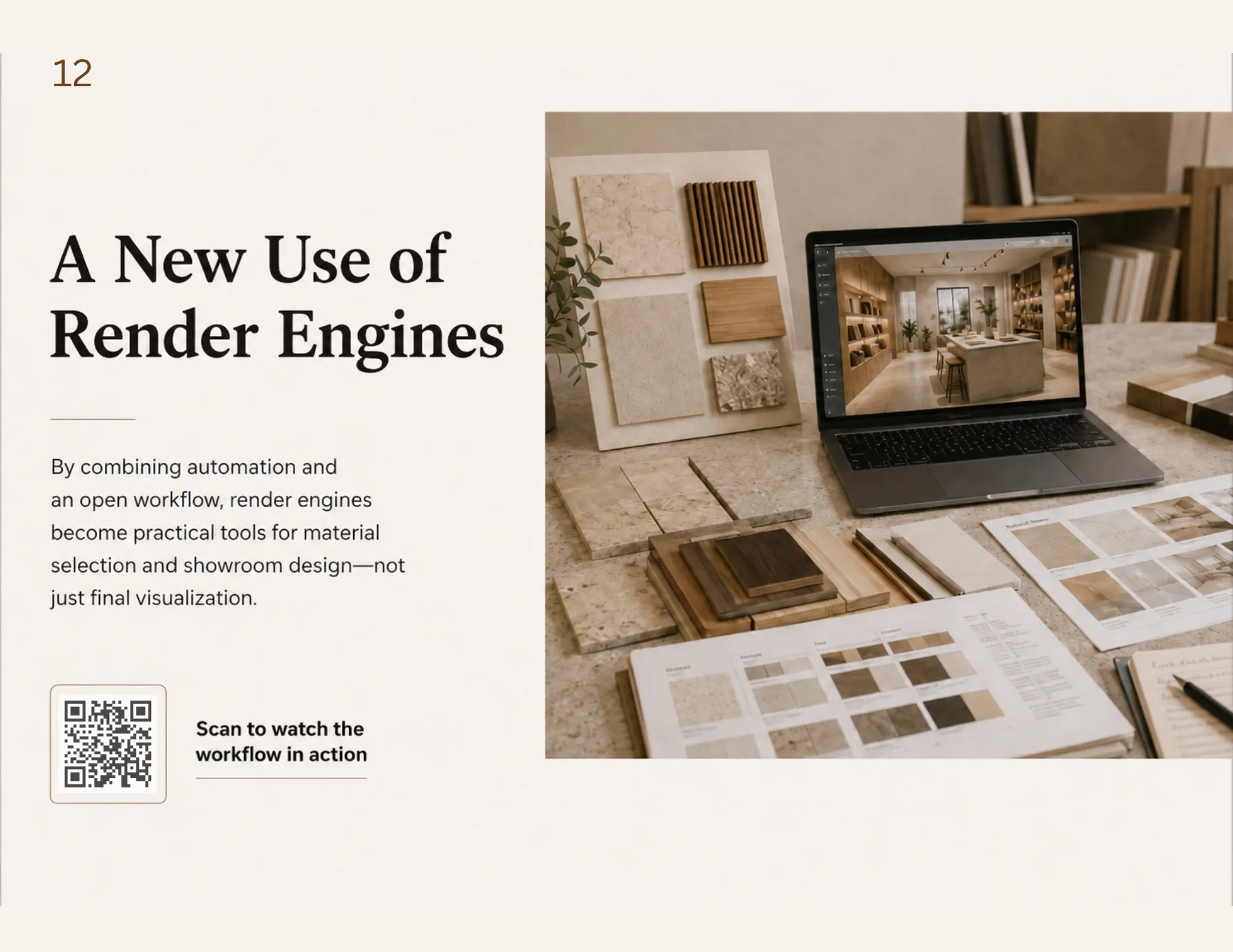
Much like how advanced video game engines revolutionized the film industry by allowing directors to see digital environments live on set, this workflow transforms retail. It takes rendering out of the back office and turns it into a real-time, interactive sales tool.
Why D5 Render?
Choosing the right software was a business decision as much as a technical one. While tools like Twinmotion are phenomenal for exterior architecture and landscapes, interior design requires a workflow tailored to precise indoor spaces. Most interior designers already know tools like SketchUp and D5, making recruitment and onboarding incredibly fast. In fact, new staff can learn this specific retail workflow in just three days.
Furthermore, compared to rendering plugins like Enscape—which require the user to jump back into the modelling software to make material changes—D5 Render allows for direct material replacement on the rendering side. This creates a smooth, uninterrupted consultation experience for the customer.
Much like how Unreal Engine revolutionized the film industry by allowing directors to see near-final visual effects live on set, D5 Render transforms building-materials retail. It takes rendering out of the back office and turns it into a real-time, interactive sales tool.
Discussions around design often focus purely on aesthetics. However, in the building materials industry, design must function as commercial infrastructure. This system turns design from a visual bonus into a foundational business tool. The benefits ripple through the entire renovation process across four distinct groups:
1. Empowered Consumers
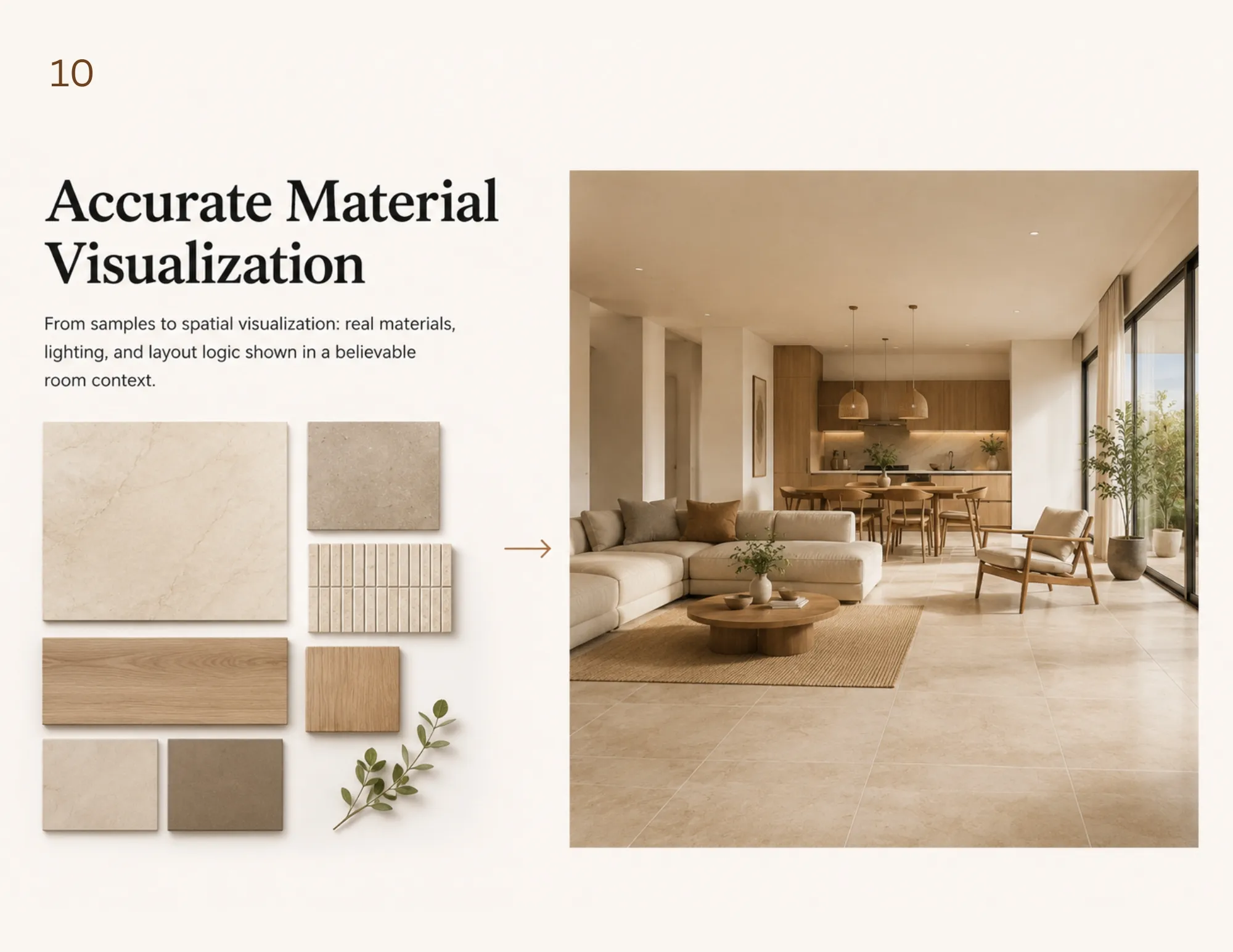
By seeing a true-to-scale, dynamically lit 3D model of their exact space, customers can make decisions with total confidence. This eliminates the anxiety of mismatched materials and ensures that the final result is much closer to their initial expectations.
2. Streamlined Business Operations
For building-materials retailers, product lines change rapidly. New tiles, flooring, and bathroom fixtures are introduced regularly. This workflow offers massive operational advantages:
Cost-Efficiency: Retailers can build and update their internal material libraries instantly. When a new tile arrives in the showroom, it can be added to the digital catalogue immediately, without waiting for a third-party platform to update its database.
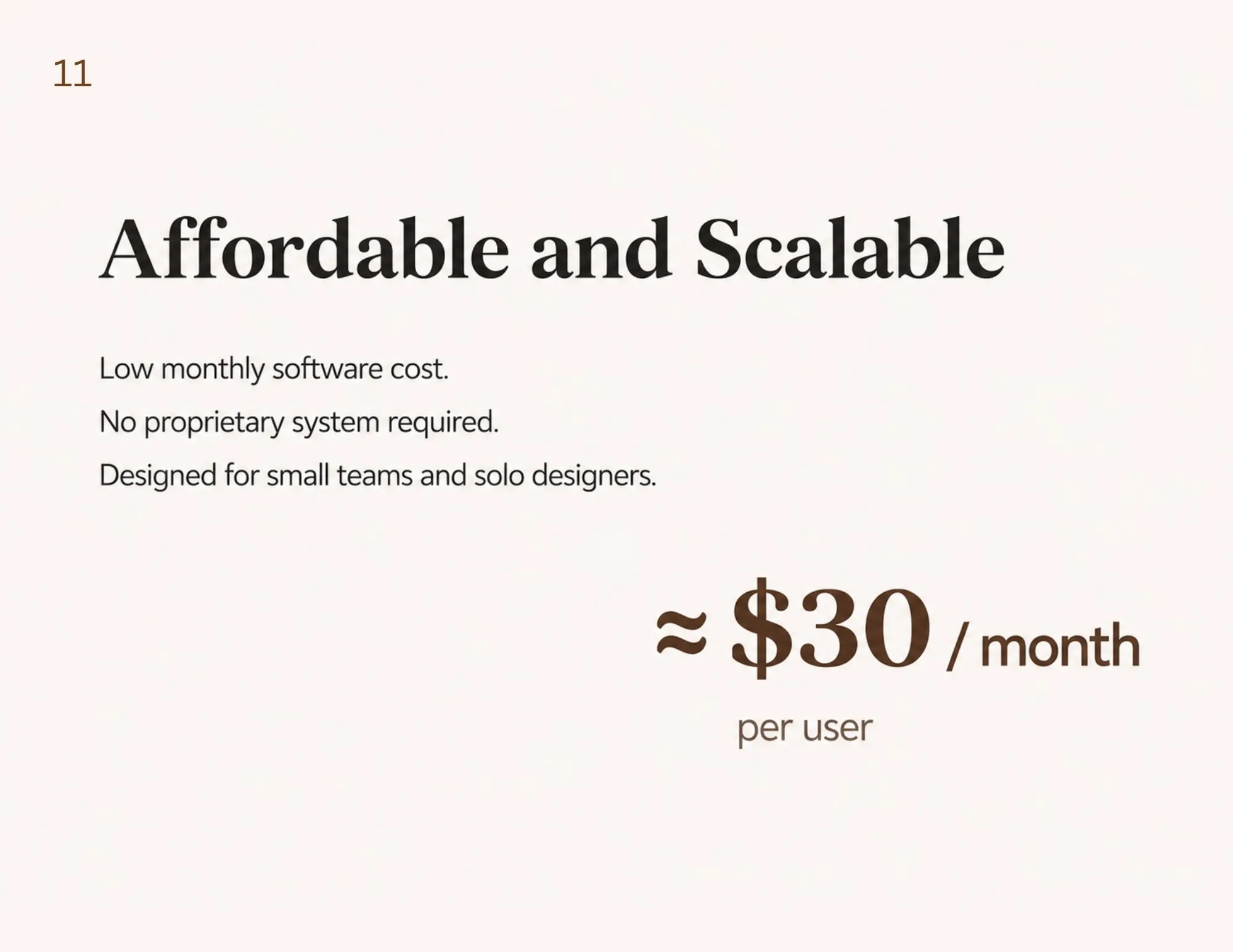
Reduced Software Costs: The combination of open-market tools is vastly more affordable than licensing closed commercial visualization platforms.
Faster Training: Because SketchUp is widely taught in design schools, new hires can adapt to this workflow with minimal friction. In fact, a new staff member can learn this specific retail system in just three days, drastically reducing training costs and onboarding barriers.
3. Professional Growth for Designers
Because this workflow is built on widely used tools, it naturally attracts top design talent. The skills learned through this system are not locked to one company’s proprietary software. Instead, they remain highly transferable across interior design, commercial retail, and construction fields. This allows businesses to maintain consistent service standards while encouraging designers to build long-term, valuable professional skills.
4. Accurate Construction Execution
Because the stunning visuals are generated from real 3D dimensions, they serve as valid, accurate construction references. Contractors receive a clear visual map of tile layouts and precise material quantities, heavily reducing costly miscommunications and errors on the job site.
From a Manual Workflow to a Systemized Model
The impact of Chiu’s workflow quickly gained industry attention, notably winning a Silver Award at the 2024 MUSE Design Awards. This proved that commercial speed does not require sacrificing professional design quality.
By 2026, the building-materials retail market in Toronto showed a massive shift, with many competitors attempting to introduce similar SketchUp and D5-centred visualization models. Retailers are now universally expected to provide customers with clearer, more realistic design support before a purchase is made.
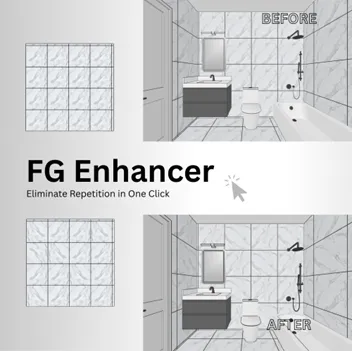
To meet this growing demand, the project evolved from a manual workflow into an automated, scalable implementation model. In 2026, Hsin Ting Chiu collaborated with Ruby developer Chun Brown to create the FG Enhancer, a custom SketchUp plugin specifically designed for tile and flooring applications.
Redefining Building Materials: The Power of Next-Gen Visualization
Redefining Building Materials: The Power of Next-Gen Visualization
Redefining Building Materials: The Power of Next-Gen Visualization
The FG Enhancer automates parts of the workflow that previously required tedious manual modelling. Its key functions include:
One-click generation of precise tile and flooring layout grids.
Randomized texture patterns to create highly natural, realistic visual results.
Support for incredibly fast material mapping and layout testing.
Improved efficiency when preparing reusable visualization templates for common room shapes.
Redefining Building Materials: The Power of Next-Gen Visualization
Redefining Building Materials: The Power of Next-Gen Visualization
Redefining Building Materials: The Power of Next-Gen Visualization
Redefining Building Materials: The Power of Next-Gen Visualization
Redefining Building Materials: The Power of Next-Gen Visualization
Redefining Building Materials: The Power of Next-Gen Visualization
Redefining Building Materials: The Power of Next-Gen Visualization
Redefining Building Materials: The Power of Next-Gen Visualization
Redefining Building Materials: The Power of Next-Gen Visualization
Redefining Building Materials: The Power of Next-Gen Visualization
Redefining Building Materials: The Power of Next-Gen Visualization
Redefining Building Materials: The Power of Next-Gen Visualization
Redefining Building Materials: The Power of Next-Gen Visualization
The Future: Democratizing Design
The ultimate goal of this project is not just to help one store, but to create a standardized, accessible, and scalable framework that any small to mid-sized business can adopt.
This technology has officially entered the U.S. provisional patent application stage (Application No. 64/066,803), titled “System and Method for Dimension-Constrained Surface Mapping for Generating Construction-Valid Layouts.”
Slated for official release in 2027, the tool and its accompanying workflow are planned to be made available as a free download. By removing the financial and technical barriers, this system will empower independent retailers, local contractors, and small design teams to provide world-class, construction-referenced 3D previews. Ultimately, this workflow proves that incredible, accessible design is the ultimate competitive advantage in modern retail.
Hsin Ting Chiu (Angel Chiu) is a Toronto-based designer and workflow innovator who specializes in extending design thinking into business, marketing, and the application of digital tools. Her research focuses on how existing tools can be recombined to create a low-cost design system specifically for building-material retailers.
One of the earliest implementations of this workflow began during her time as the first designer at Besso Floor & Decor in Toronto. Working within a limited budget and under conditions where the company’s design service had not yet been fully established, she applied this low-cost visualization workflow in a building-material retail environment, helping to build the early customer consultation and design-service process.
During a prestigious tenure as the inaugural Designer-in-Residence at the Vignelli Center for Design Studies from 2023 to 2024, architect RZLBD, from Atelier RZLBD, was presented with a glowing challenge. Through an exclusive design workshop in partnership with the renowned Corning Museum of Glass, the assignment was clear yet demanding: ideate, design, and prototype a lampshade.
When the worlds of innovative material design and visionary architecture collide, the result is often extraordinary. Such is the case with the Ēclos® Maitake Table, a stunning collaborative piece by global surface leader Cosentino and the acclaimed Patkau Studio.
Just north of Toronto, perched on the edge of a wooded valley, sits Ravine House—a contemporary home that redefines what it means to live in harmony with nature. Rather than acting as a barrier against the outdoors or simply occupying a plot of land, this stunning residence acts as an immersive, beautiful mediator between comfortable domestic living and the natural landscape.
Designer Hsin Ting Chiu recognized this disconnect and developed an ingenious solution. Rather than spending millions of dollars building new software from scratch, Chiu reconfigured existing tools to create a highly practical, affordable, and visually stunning retail workflow.
Just a few steps away from the bustling Bell Centre, a fresh take on the classic French brasserie has opened its doors. The new Chez Lionel, located inside a landmark building at 1250 René-Lévesque Boulevard, brings a contemporary pulse to a timeless dining style.
On May 29th, as the sun began to set over the historic brick facades of Old Town Toronto, the streets took on a new, electric energy. The King East Design District (KEDD) Neighbourhood Hop—the highly anticipated annual event presented by DesignTO in collaboration with the Old Town Toronto BIA—was officially underway. For a few magic hours, the neighbourhood morphed into a sprawling, interactive playground for creativity and innovation.
Founded in 1912, the Quebec-based architecture firm NFOE has spent over a century building a reputation for thriving in the most demanding environments. Recently, the firm marked an exciting milestone by appointing four new partners: Erika Landry, Vanessa Godin, Roxane Fortier, and Marie-Eve Cyr.
When a compartmentalized single-family home in Montreal’s Plateau Mont-Royal needed a fresh start, local interior design firm Indee Design stepped in with a clear vision. The result is the Plateau Kyoto Residence, a striking home renovation that perfectly balances mid-century Montreal warmth with the calm beauty of Japanese minimalism.